Power up your Shopify app with FlowMail: build Flow templates
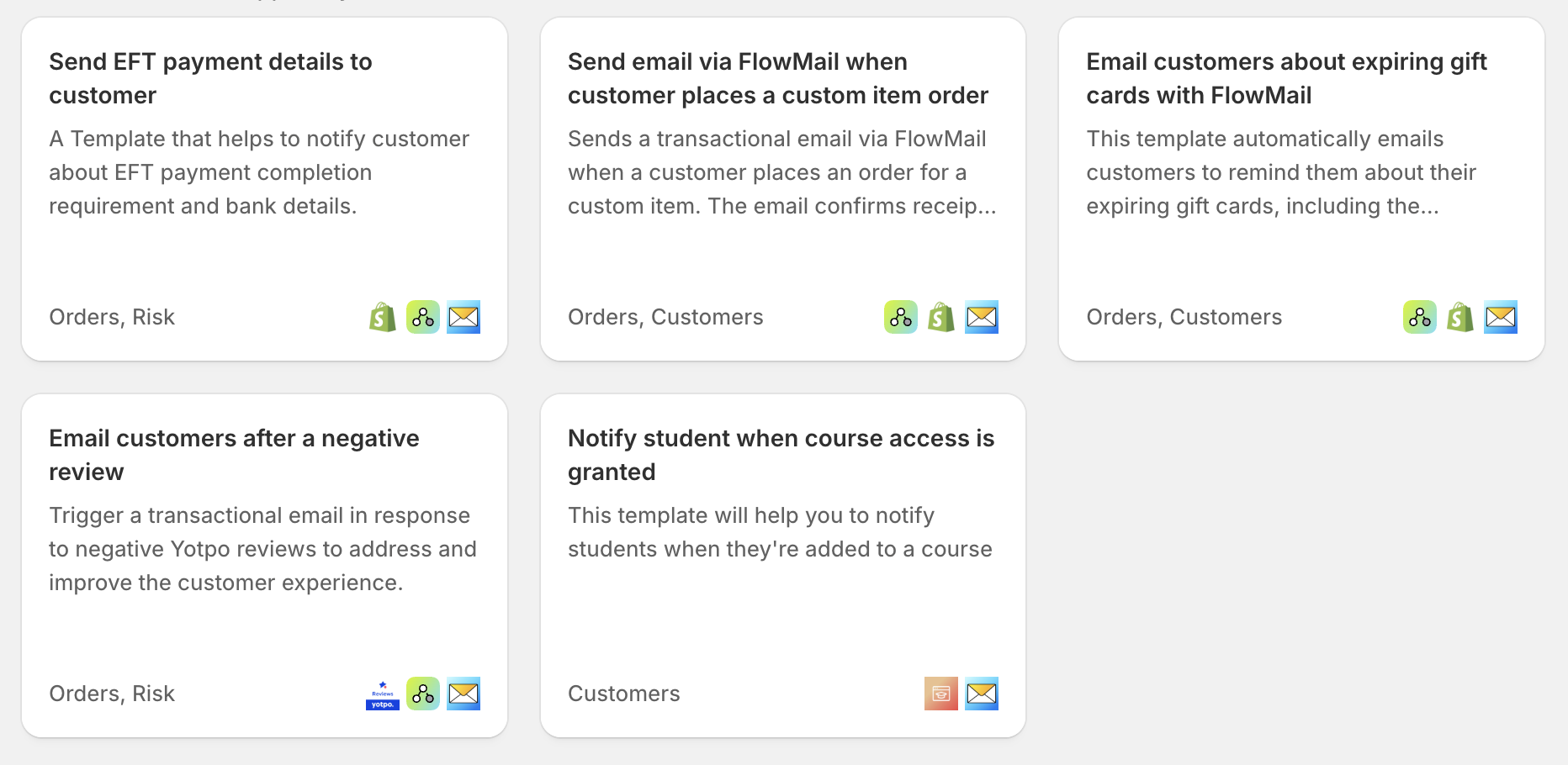
Shopify Flow has transformed automation for merchants, giving them the power to connect apps and trigger actions without writing code. For app developers building on Shopify, creating prebuilt Flow templates is a powerful way to increase app engagement, shorten time-to-value, and unlock real automation for merchants.
Today we want to spotlight how WorkflowMail’s Send transactional email action can help you build Flow templates that really matter – automated emails that increase conversions, deepen customer engagement, and showcase real ROI from your app.
Why Build Flow Templates with WorkflowMail (formerly FlowMail)?
Shopify merchants love automated workflows – especially when they help them stay connected with customers. But many workflows stop at in-app triggers or Shopify admin events. With WorkflowMail, you can extend automation to customers where it matters most: their inbox.
Using WorkflowMail’s transactional email action in your Flow templates lets merchants:
- Send timely, tailored emails right from automation
- Create automated customer journeys without extra coding
- Improve engagement, conversions, and retention
- Deliver personalized messages in response to key events
All with emails that actually look good and perform well.
What makes a great Flow template
A great Flow Template does a few key things:
📌 Solves a clear merchant problem
Does your template automate email where sending one manually is tedious or inconsistent?
📌 Creates merchant value quickly
The first time merchants install the workflow they should see value — higher conversions, fewer manual steps, more sales.
📌 Showcases your app’s unique data or value
Flow templates built with WorkflowMail don’t just automate actions — they extend your app’s power into customer communication.
Apps already leading with WorkflowMail templates
Here are great examples of existing Flow templates that use WorkflowMail’s Send transactional email action — and the kinds of automated experiences they unlock for merchants:
- Yotpo Product Reviews:
Automatically send review invitations after purchase or fulfillment, increasing review volume and trust signals. - Mst: Wishlist + Marketing Flow:
Trigger personalized emails prompting wishlist items, help merchants recover interest and convert browsers into buyers. - Mega Community:
Send custom updates when community actions take place, keeping customers engaged and informed automatically.
These templates demonstrate how powerful it can be to pair app-level events with customer-facing email automation.
Examples of WorkflowMail-powered workflows you can build
Here are a few workflow ideas to inspire your next template:
📍 Abandoned Wishlist Reminder
Trigger: Customer adds items to wishlist
Action: WorkflowMail sends a reminder email with wishlist items + discount offer
Result: More customers return and complete purchases
📍 Upsell After First Purchase
Trigger: First order placed via your app
Action: WorkflowMail sends personalized upsell recommendation email
Optional: Follow-up if no purchase after 48 hrs
Result: Increased repeat purchases and LTV
📍 Low-Stock Alerts with Customer Recommendations
Trigger: Item low on stock
Action: WorkflowMail sends email to customers who viewed or added item to cart
Result: Scarcity messaging boosts urgency
Getting Started with WorkflowMail in Flow Templates
Integrating WorkflowMail into your Flow templates is straightforward:
- Use WorkflowMail’s transactional email action as a step in your Flow.
- Populate parameters from your app’s data or Shopify objects.
- Include clear subject lines, email content, and CTA so merchants can see value right away.
- Provide defaults editable by the merchant so they can customize the email.
You can view documentation and the Shopify Flow template examples here: https://help.shopify.com/en/manual/shopify-flow/create/examples
Closing thoughts
Shopify Flow is a major lever for merchants automating repetitive tasks — and email automation with WorkflowMail opens up real, measurable value that merchants notice immediately.
By building Flow templates that include WorkflowMail’s transactional email action, you’re not just automating events — you’re helping merchants communicate with customers in smart, personalized ways that drive engagement and revenue.
If you’re ready to get started or have questions about using WorkflowMail in your Flow templates, let’s connect!
Happy automating! 🚀