New Shopify Flow Triggers for Inventory Transfers (April 2026)
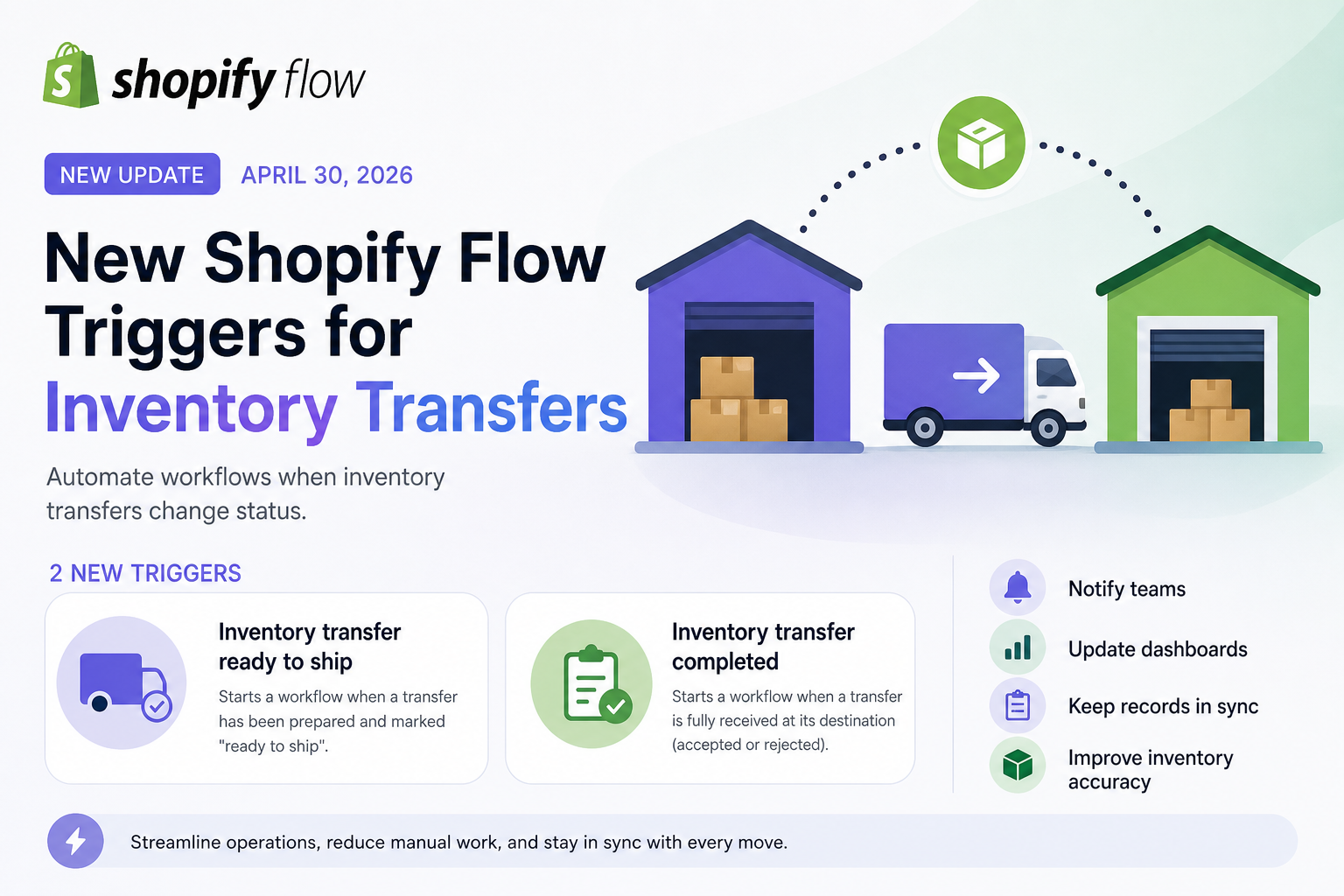
On April 30, 2026, Shopify introduced two highly practical triggers in Shopify Flow that make inventory automation significantly more powerful.
If you manage multiple locations – like warehouses, retail stores, or fulfillment centers – this update is worth your attention.
What’s new?
Shopify Flow now supports two new triggers tied to inventory transfers:
These triggers allow workflows to start automatically when stock is moving between your business locations.
With these new triggers, you can now respond to transfer status changes in real time cleanly and reliably.
1. Inventory Transfer “Ready to Ship”
This trigger fires when a transfer is fully prepared and marked as ready to ship.
What you can automate
This is the moment when inventory is about to leave the source location. Typical use cases include:
- Notifying the receiving location
- Updating internal logistics dashboards
- Alerting staff to prepare for incoming stock
- Syncing data with external systems (e.g., WMS or ERP)
Example workflow
When transfer is ready to ship → Send email notification with FlowMail to destination store
This ensures the receiving team is prepared before the shipment even arrives.
2. Inventory Transfer “Completed”
This trigger fires when a transfer has been fully received at its destination—whether items were accepted or rejected.
What you can automate
This is the “arrival confirmed” moment. You can:
- Update internal records
- Notify teams that inventory is available
- Trigger shelf stocking workflows
- Run reconciliation or audit processes
Example workflow
When transfer is completed → Tag products or update inventory status → Notify operations team
Practical Use Cases
Here are a few real-world scenarios where these triggers shine:
1. Store Replenishment Alerts
Automatically notify store managers when incoming stock is on the way or has arrived.
2. Warehouse Coordination
Keep warehouse and retail teams in sync without manual communication.
3. Inventory Accuracy
Trigger reconciliation workflows immediately after transfers are completed.
4. Operations Visibility
Push updates to dashboards or external systems for real-time tracking.
Why this is a meaningful update
Before this update:
- Transfer-related automation was limited
- Teams relied on manual coordination
- Systems could fall out of sync
Now:
- Transfer lifecycle events are fully automatable
- You get real-time operational awareness
- Workflows can reflect actual physical inventory movement
For merchants managing multiple locations, this update is a quiet but powerful improvement.
By automating around inventory movement—not just orders—you can reduce manual work, improve coordination, and keep your systems aligned with what’s happening in the real world.
If you're building operational automations in Shopify Flow, these triggers are definitely worth integrating into your workflows. You can combine that with FlowMail to send transactional emails with Shopify Flow according to your business logic.